
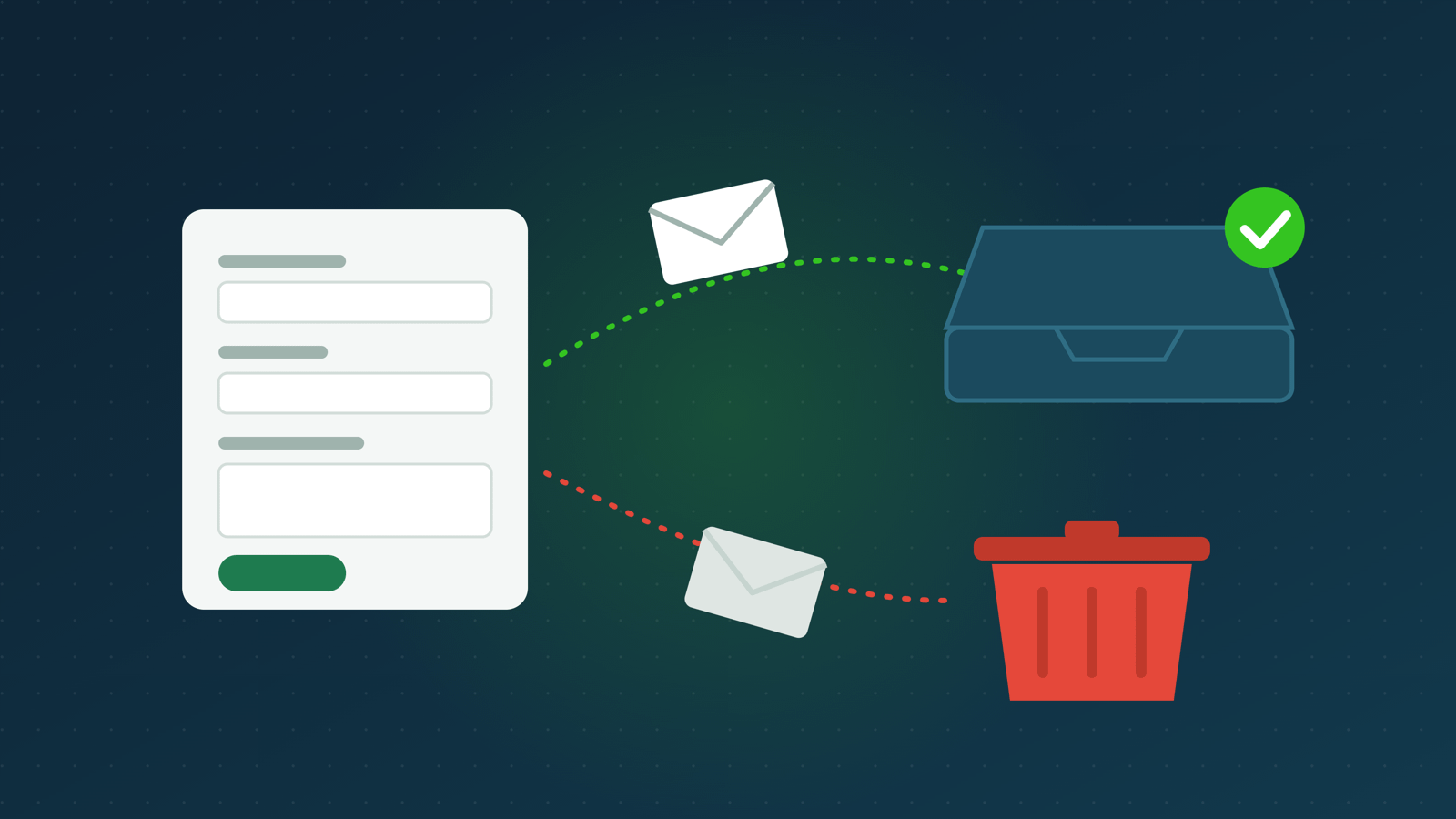
If messages from your WordPress contact form land in your spam folder, or never arrive at all, the form itself is rarely the problem. The usual cause is how WordPress sends email. Fixing it is usually free, and it stops enquiries going missing.
⚡ WordPress contact form emails going to spam: the short answer
- WordPress sends email through your web server by default. Many email providers don’t trust mail sent that way, so it goes to spam or is rejected.
- Send it through a proper email account instead, using SMTP. A free SMTP plugin connects WordPress to the mailbox you already use for your business.
- Send from an address on your own domain, and put the visitor’s address in “Reply-To”, not “From”.
- Check your domain’s SPF and DKIM records. Gmail has required one of them for every sender since February 2024.
- Test it properly, from a Gmail and an Outlook address, and check the spam folder.
- Keep a copy of each message, so one failed email doesn’t mean a lost enquiry.
📮 Why WordPress emails end up in spam
When someone fills in a contact form, the form usually hands the message to WordPress’s own email function, wp_mail(). Unless something changes it, wp_mail() asks the web server to send the email using PHP’s built-in mail function. It sends from wordpress@yourdomain unless your form says otherwise. Divi’s contact form, for example, sends from mail@yourdomain.
The trouble is who is doing the sending. Your web server isn’t your email provider. When Gmail or Outlook receive the message, they check whether the server that sent it is allowed to send email for your domain. If your domain’s records don’t list your web server, and the message isn’t signed by your email provider, it fails those checks.
Since 1 February 2024, Gmail has required every sender to set up SPF or DKIM, two ways of proving an email really comes from your domain (Google, email sender guidelines). Mail that fails is likely to go to spam or be turned away. On shared hosting, your website also shares a server with many other sites. If one of them sends spam, the server’s reputation can suffer for all of them.

⚠️ Why it matters more than it looks
Many contact forms don’t keep a copy of the messages they send. Divi’s contact form, for example, emails the message and doesn’t save it anywhere on the site. If that email goes missing, the enquiry is gone, and neither you nor the customer knows. They think you ignored them.
🛠️ How to fix it, step by step
1. Choose the email account to send from
Use a mailbox on your own domain, such as [email protected]. It can come with your hosting or from a separate email provider. You’ll need its outgoing mail (SMTP) settings: the server name, the port, and the username and password. Your email provider’s help pages list them.
Don’t send from a personal Gmail, Hotmail or Yahoo address. Mail that claims to come from one of those addresses but is sent by your website fails the checks described above.
2. Install an SMTP plugin
An SMTP plugin makes WordPress send every email, including contact forms, order emails and password resets, through your email account instead of the web server. There are several free ones in the WordPress plugin directory. Enter your SMTP settings, usually port 587 with TLS, and save.
Some plugins can also connect to an email-sending service instead of a mailbox. That helps if your site sends a lot of email, such as a busy shop.
3. Set the “From” address correctly
Set the plugin’s “From” address to the mailbox you chose in step 1, and tick the option to force it for every email if there is one.
Then check your form’s settings. Some forms put the visitor’s own email address in the “From” field. That makes the message look as though Gmail or Hotmail sent it from your server, which fails the checks every time. The visitor’s address belongs in “Reply-To”, so pressing Reply still answers them. Divi’s contact form already does this.
4. Check your domain’s SPF and DKIM records
SPF lists the servers allowed to send email for your domain. DKIM adds a digital signature that proves the message wasn’t changed on the way. Your email provider gives you the exact records to add, usually as text records in your domain’s DNS settings, wherever your domain is managed.
Many providers also suggest a DMARC record, which tells receiving servers what to do with mail that fails. A DMARC record set to “none” is a safe place to start, because it only reports and doesn’t block anything.
5. Test it properly
- Send a test email from the SMTP plugin. Most have a test button.
- Fill in your contact form yourself, using a Gmail address and then an Outlook or Hotmail address.
- Check the inbox and the spam folder at your end.
- In Gmail, open the received message, then choose “Show original”. It shows whether the message passed SPF, DKIM and DMARC. You want “PASS” for each.
6. Keep a copy of every message
If your form plugin can save entries in the WordPress dashboard, turn it on. Many SMTP plugins can also keep a log of every email sent. Either way, a message that fails to arrive isn’t lost. It’s also worth sending yourself a test enquiry once a month, because email settings can change after a host or provider update.
🔍 Still going to spam?
If the checks pass but messages still land in spam:
- Look at what the form sends. Messages full of links, or with only a few words, look like spam. A short required “message” field helps.
- Add spam protection to the form, such as a CAPTCHA or a hidden “honeypot” field, so fewer junk submissions are sent from your domain.
- Mark a message as “Not spam” in your own inbox. That trains your email provider for future messages.
👉 Want it done for you?
Every website I build has its contact form set up and tested, so messages arrive in your inbox. If your current site’s form isn’t reliable, I can set it up for you as part of a Care plan, or get in touch for a quote.
❓ Frequently asked questions
Why are my WordPress emails going to spam?
Usually because WordPress sends them through your web server, which your domain hasn’t authorised to send email. Sending through your own email account with SMTP, and setting up SPF and DKIM, fixes most cases.
Why is my WordPress contact form not sending emails at all?
Often the email is sent but rejected or filtered on the way. Some hosts also block or limit the web server’s mail function. An SMTP plugin with a test email shows you straight away whether sending works.
Do I need an SMTP plugin?
For most WordPress sites, yes. Without one, WordPress relies on the web server to send email, which many email providers distrust.
Can I send from my Gmail address?
Not reliably. Use an address on your own domain. Mail that claims to be from a Gmail address but is sent by your website fails Gmail’s own checks.
Does Divi’s contact form save messages?
No. It sends each message by email and doesn’t keep a copy on the site, so it’s important that the email arrives.
Sources
- Google Workspace Admin Help, Email sender guidelines: requirements for all senders from 1 February 2024.
- WordPress developer reference, wp_mail(), and its code in WordPress 7.1.2.
- Divi 4 and Divi 5 contact form code, checked on 24 October 2026.



0 Comments